Market toggle
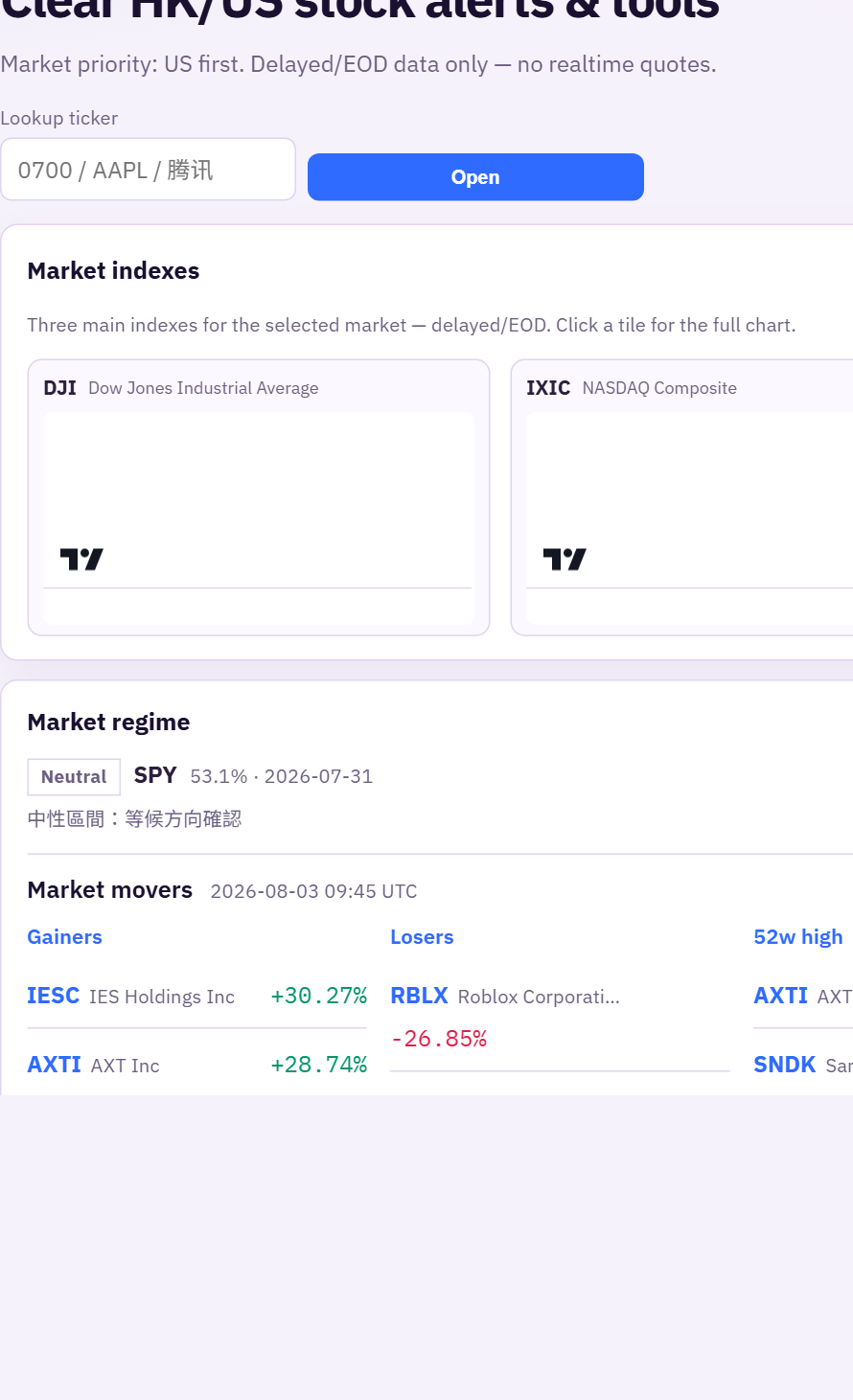
On Home, switch HK / US / CRYPTO in the alerts panel. HK and US show discuss scanners. CRYPTO shows majors charts plus a compact board (full board also under Markets).
Filter pills
Use filters such as All, Indices ★★, Regime, Rocket ★★, Weak, Placing, Unlock, etc. Switching a filter soft-swaps the list (stays on the alerts section).
Indices ★★ scans double-star names among HK index constituents — HSI, HSCEI, HSTECH, and 恒生高股息率指數 (HSHDYI) — or US S&P / NDX / Dow members.
Reading a card
Each row usually shows: market badge, alert-type color badge, title (often with ticker), SMA / overall score pills when available, time, and a short body.
- Dual stars / dual-green style scores (high SMA + high overall) = strong candidate shortlist — same idea as the old “雙星/雙綠” teaching.
- Color badges help scan mixed feeds (rockets, weak, corp actions…).
Click the symbol to open the ticker page (chart, rating, CCASS on HK, news).