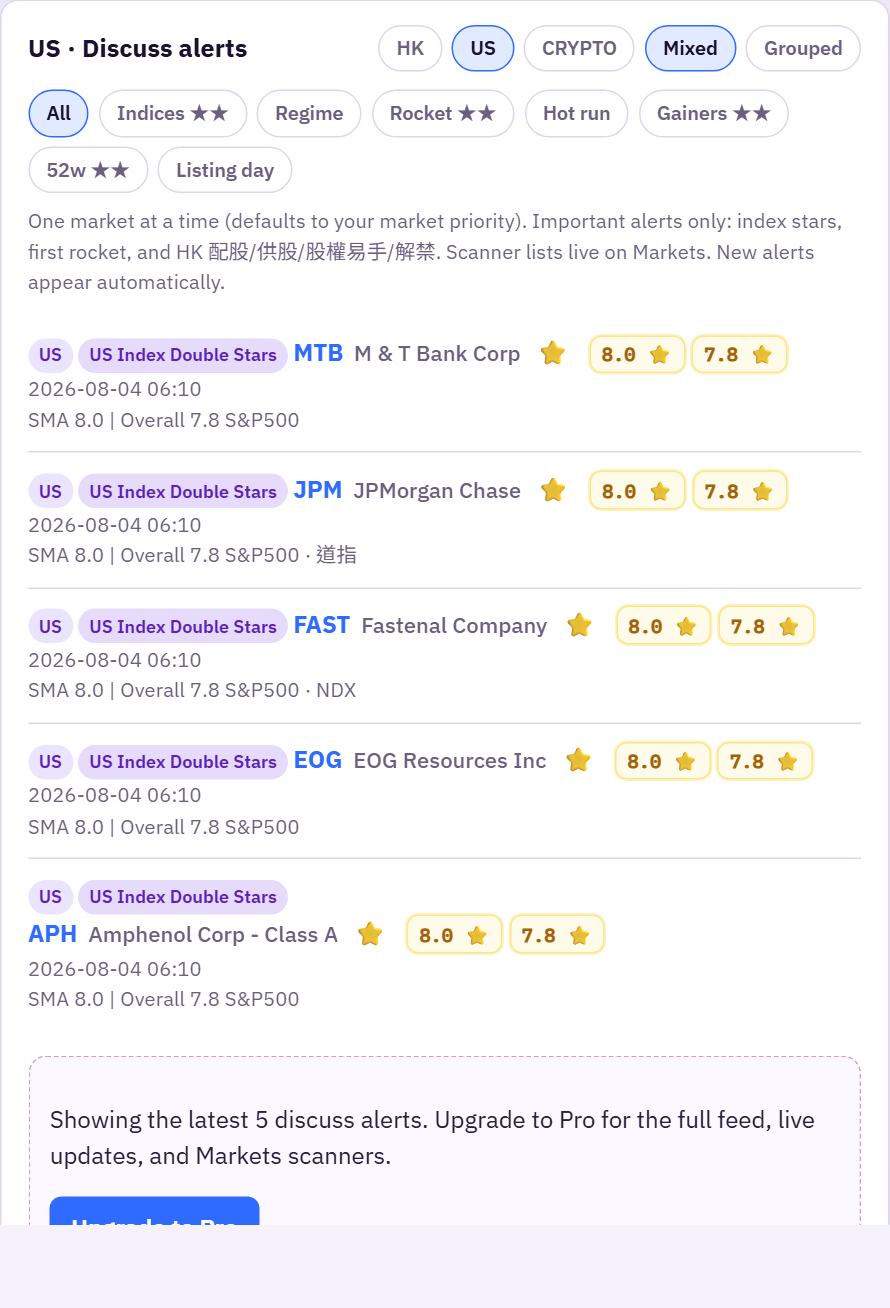
What you get
10xstocks (live at system.10xstocks.app) is a research desk for HK / US stocks (crypto is secondary). Use it to scan discuss-style alerts, open any ticker, keep watchlists, and follow social posts tagged with symbols.
Ideas that used to live in Discord/upbot channels — index stars, first rockets, volume heat, SMA / overall scores, CCASS emoji, 財技 filings — are now in one SaaS with charts and filters.
Free vs Pro
- Guest (not logged in): landing Home; Markets widgets only (no scanner alert rows); screener teaser (market/price only, sorted by code, 5 rows); ticker tools ~3/day; shared social post URLs truncated; no social feed until login.
- Free: daily tool quota on ticker pages (rating, chart, news, CCASS, 13F / Institutions hub…), Home + Markets 5-row alert teasers (no live poll), watchlists & portfolio, truncated social browse after login, screener teaser (market/price only, sorted by code, 10 rows), referrals.
- Pro: unlimited stock tools, full alert feeds + live updates, Telegram watchlist push, full social + chat, full screener (ranking filters + sort + full list), Excel exports / longer HKEX ranges, referral earnings when friends subscribe.
Suggested first path
- Open Home — pick HK or US — skim discuss alerts (look for dual-star / dual-green scores).
- Open Screener to filter by SMA / overall / 大牛股.
- Open Markets for scanners, movers, and HKEX filings.
- On an HK name, open ! CCASS and compare price vs holding % charts — look for the consecutive accumulation badge when total holdings rose ≥5 days in a row.
- Add symbols to a Watchlist; connect Telegram in Settings if you are Pro.