Where
Sidebar Screener, or open system.10xstocks.app/t/screener/.
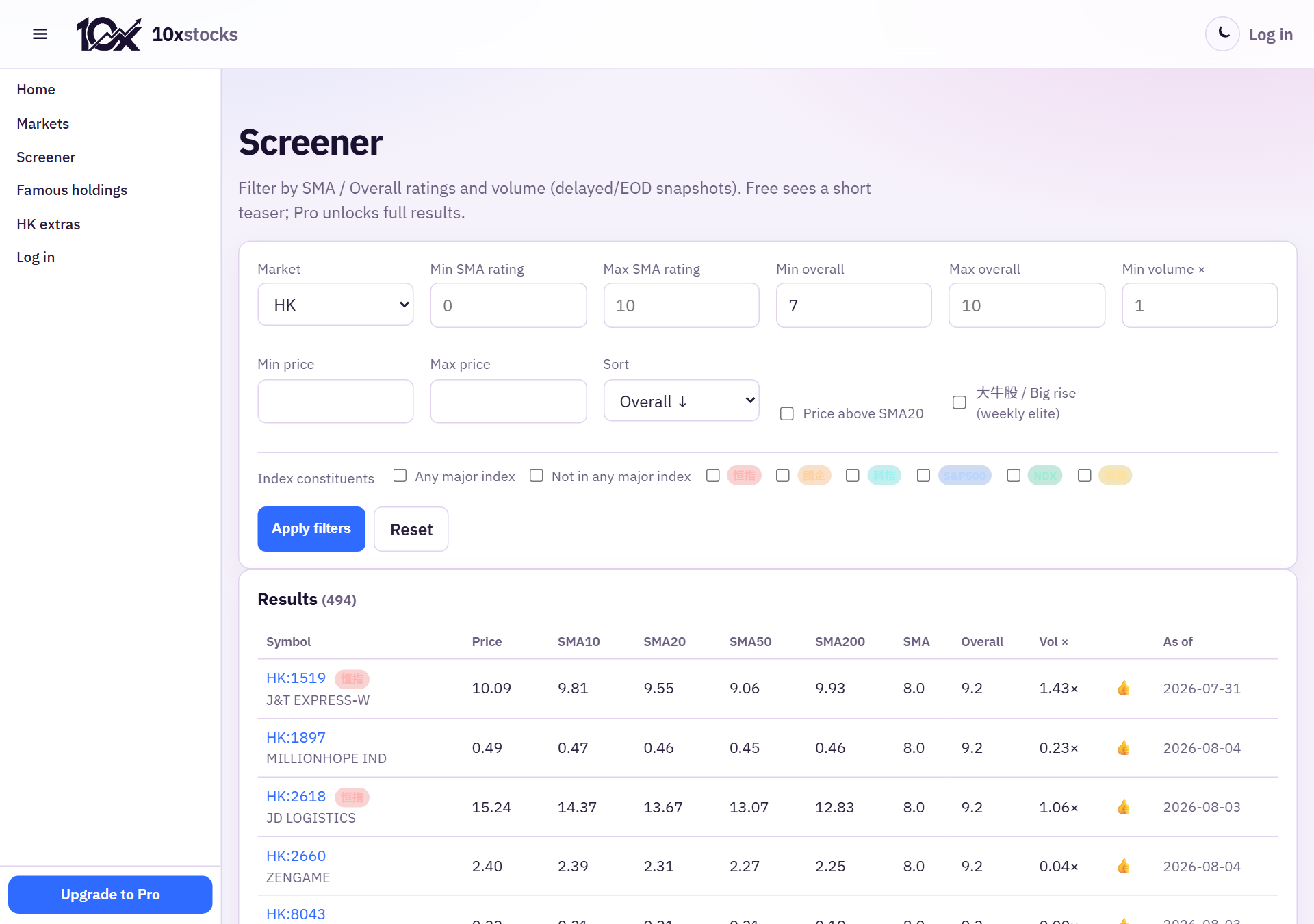
This is an EOD ratings screener (Finviz-lite style) over HK+US snapshots — delayed, refreshed after sessions — not realtime quotes.
Useful filters
- Market: All / HK / US
- Min SMA / Min overall — e.g. overall ≥ 7 for a dual-star style hunt
- Min volume × — unusual turnover vs average (the old “fire / 火” idea lives here as a number)
- Price above SMA20
- Index membership (HSI, HSCEI, HSTECH, 高股息 / HSHDYI, S&P500, NDX…)
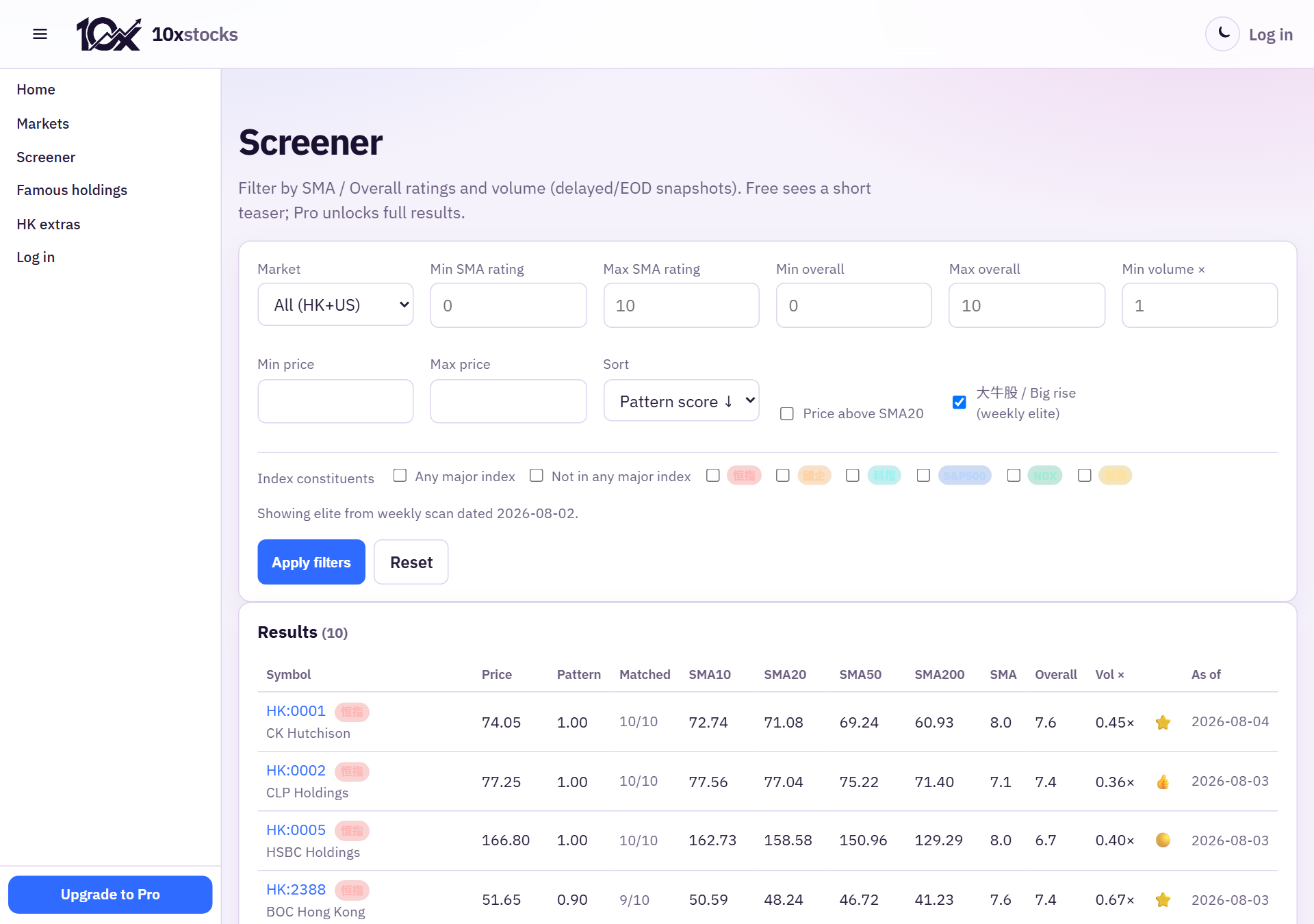
- 大牛股 / Big rise (weekly elite) — weekly pattern-score elite list (not the same as CCASS)
Free users see a short teaser; Pro unlocks full results and pagination.
How this helps find “倍升” candidates
No screener guarantees a multi-bagger. A practical workflow:
- Screener: high overall + healthy SMA, or tick 大牛股.
- Open the ticker Chart — is structure still intact or already parabolic?
- Check Home/Markets alerts history for first-rocket / volume context.
- HK only: open ! CCASS — is top-10 concentration rising with price, or distributing into many small brokers?
- Cross-check News / 財技 filters (placing, unlock) so you are not fighting a dilution headline.