Watchlists
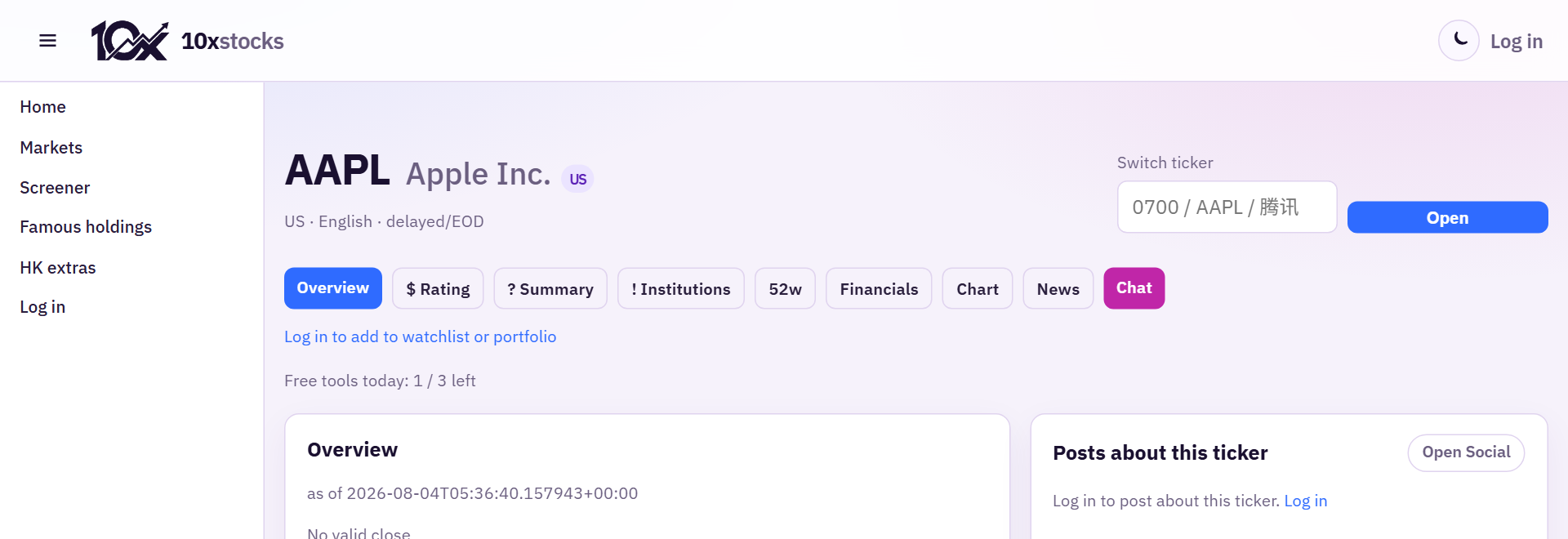
Open Watchlists in the sidebar (after login). Create lists, add symbols from the ticker page (+ Watchlist), and review them later. Some digests show compact CCASS emoji strips for HK names — tap through for full charts.
Portfolio is separate: positions and notes, not a substitute for alerts.
Telegram (Pro)
- Log in on system.10xstocks.app.
- Open Settings.
- Connect Telegram via the deep link (press Start in the bot).
- Enable watchlist alerts on Telegram and save.
- Keep the alert types you care about enabled under preferences.
Pushes are for your watchlist symbols, not a full-market spam channel.